
Digital signage, worldwide
Every screen, always playing, always visible.
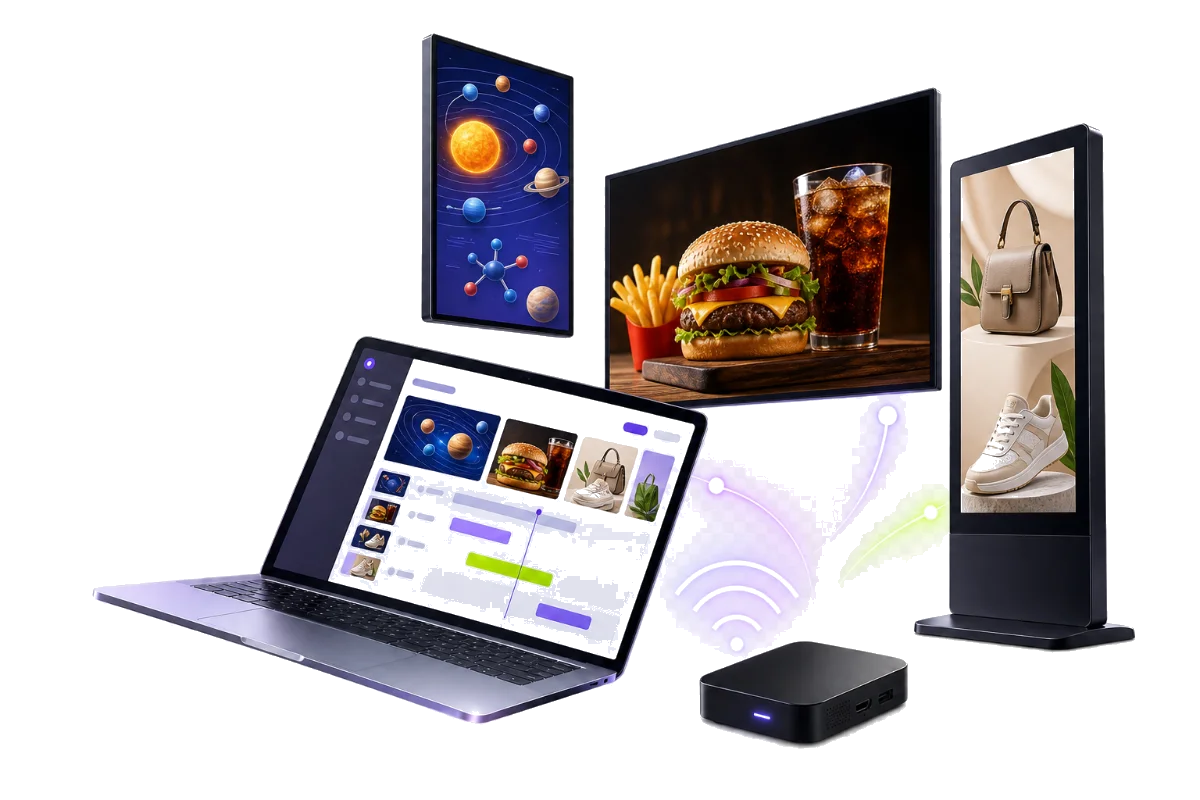
Adsign runs the screens in your stores: upload content once, publish it per venue, and see at a glance which screens are online, publishing, or stuck.
214screens live
6retail groups
99.9%uptime
Live in an afternoon
From unboxing to your first playlist, in three steps
1
Plug in and pair
Install the Adsign player on any Android screen or stick. It shows a 6-digit code — type it into the CMS to link the screen.
2
Upload and build playlists
Drop in videos and images, then order them into playlists locked to portrait or landscape.
3
Publish per venue
Group screens by store and publish to the whole group at once. Offline screens catch up the moment they reconnect.
Digital signage built for every venue
One CMS behind screens in restaurants, campuses, waiting rooms, and everywhere in between.
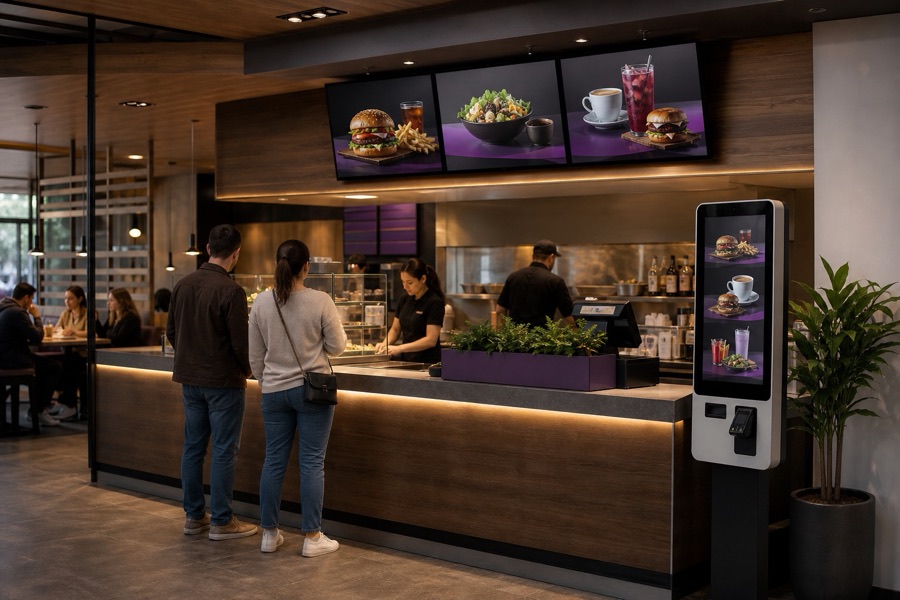
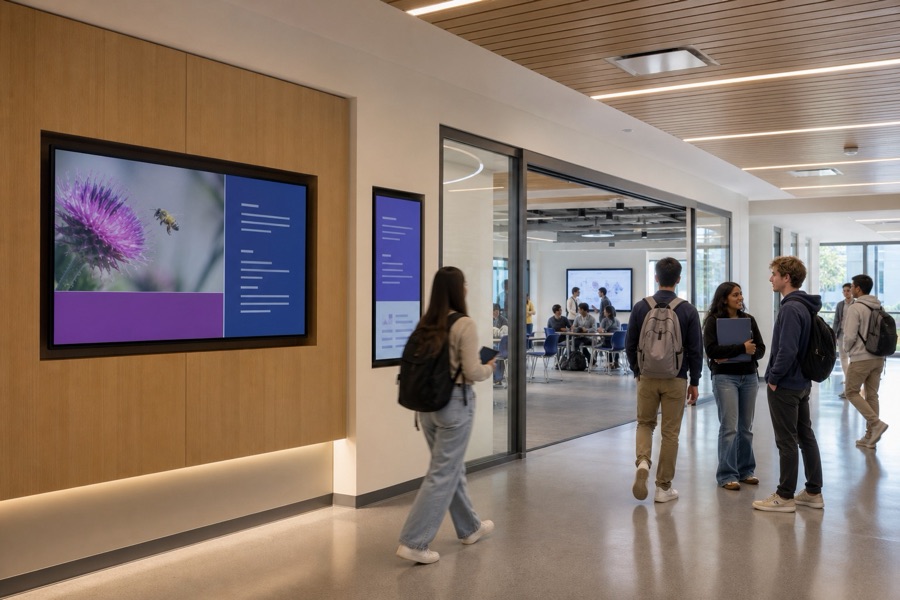
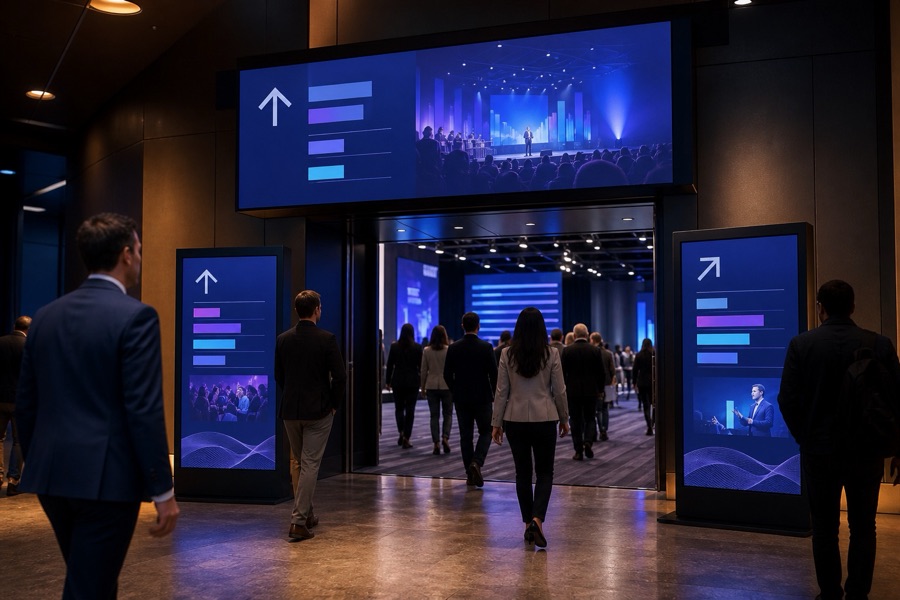
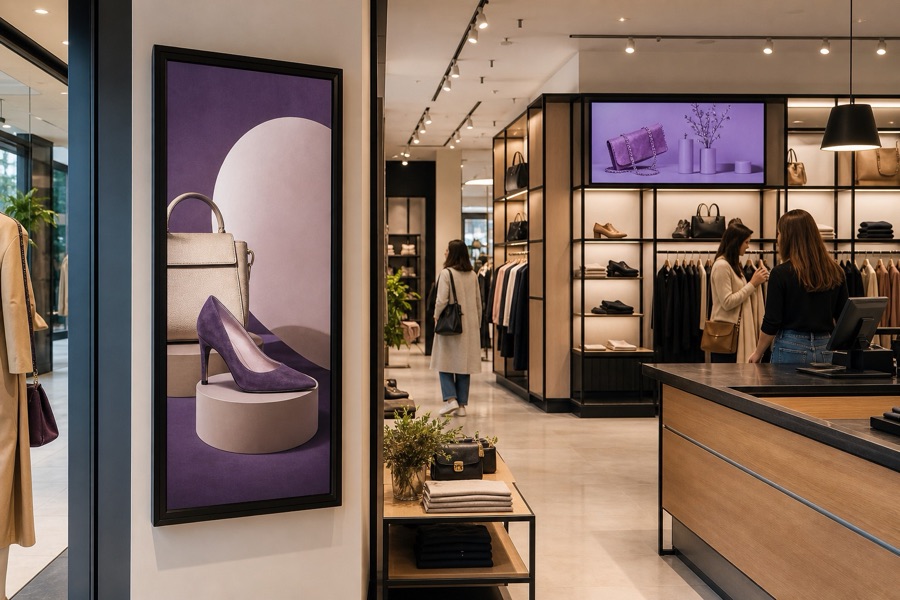
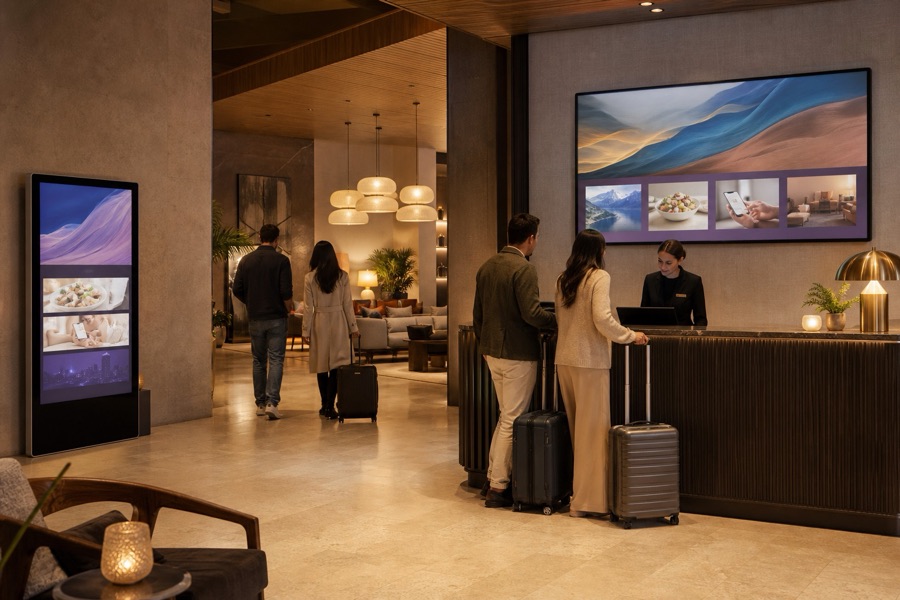
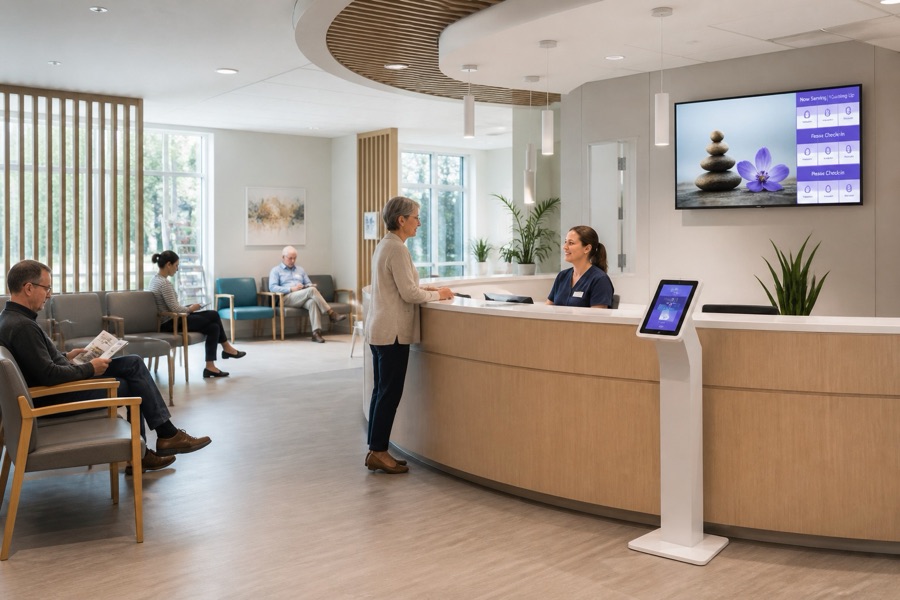
“Adsign let us stop guessing which screens were actually playing — one dashboard, every venue, no more site visits just to check.
Priced per screen, per month
Every account includes content storage, unlimited playlists and as many team members as you need. Screens are billed by the slot, whether or not a device is paired.
Built for people who manage real screens
Screen health at a glance
Online, offline, publishing and sync errors on one page — with the reason a screen failed, not just a red dot.
→
Orientation-safe playlists
Portrait and landscape content stays separate, so a vertical ad never ends up letterboxed on a wide screen.
→
Groups by venue
Group screens per store and publish to the whole venue at once, rather than screen by screen.
→
Every change recorded
Pairing, publishing and quota changes are written to an audit trail against the person who made them.
Offline-tolerant playback
Content is cached on the device, so a screen keeps playing through a dropped connection.
Storage you can see
A running total of what each account has used, with per-file limits enforced before an upload starts.